
What thismonthcovers.
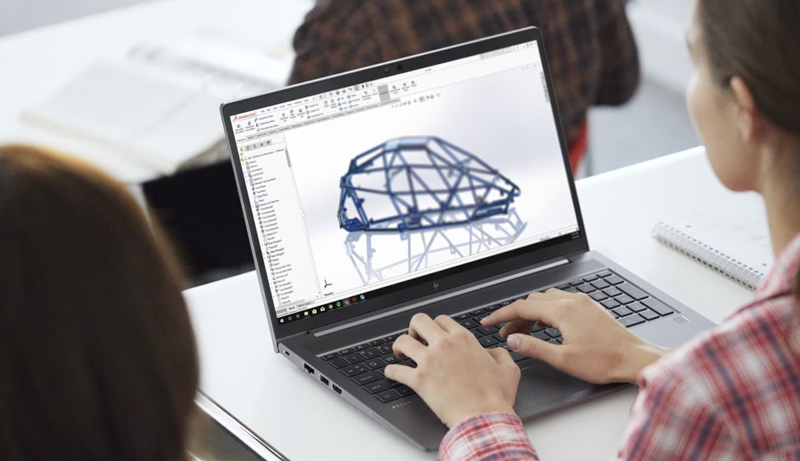
CAD is the first course in the E47 pathway and the foundation everything else builds on. Students learn parametric modelling, engineering drawing, material selection, and first-pass stress analysis, then design a real part, run it through simulation, and 3D-print it.
1 month (~20 sessions) — the first of three modules in a student's journey
DURATION
Weekday evening labs + full-day weekend build sessions, ~15 students per section
FORMAT
School-level maths; no CAD or design background required
PREREQUISITES
One student-designed part — modelled, simulation-checked, printed, and documented
DELIVERABLE
Modelling checkpoints, a drawing set, an FEA report, and a final printed-part review
ASSESSMENT
Laptop, CAD licence, and shared 3D-printer time for every student
PROVIDED
By month'send, astudent can…
- CLO1Build a fully parametric part and assembly, driven by a clean sketch and feature tree that survives dimension changes.
- CLO2Produce a manufacturing-ready engineering drawing with correct views, dimensions, tolerances, and a title block.
- CLO3Choose a material and a wall / rib strategy from basic load, weight, and cost trade-offs.
- CLO4Set up and read a first-pass finite-element stress and displacement study, and act on what it shows.
- CLO5Prepare a model for 3D printing — orientation, wall thickness, supports, tolerances — and slice it.
- CLO6Diagnose why a print or a model failed, and revise the design to fix it.
Advancingthe wholepathway.
A graduate of E47’s three-month engineering pathway can do all six of the outcomes below. This one-month module carries the highlighted ones.
Where thiscoursesits.
E47's promise is that a student leaves with a habit of mind, not a certificate: look at a broken thing and see a fixable thing. CAD is where that starts — the first time a student's own idea becomes a measured, testable object.
It is Course 01 of five and Month 1 of a three-month journey. Every later course assumes CAD fluency: electronics students enclose their circuits in printed housings, STEM Racing runs on aerodynamic CAD, and the mechatronic capstone is modelled before it is built.
It carries E47's Excel and Elevate values directly — students work on the same tools industry uses, and design from the start for low-waste, locally-printable parts.
Each course is one month. A student’s journey with E47 is 3 months — three one-month modules that hand off to each other and finish on the mechatronic capstone.
Tools thestudentwill use.
SolidWorks (or Autodesk Fusion)
SolidWorks / Fusion Simulation
Cura / PrusaSlicer
Entry-level FDM 3D printers
Digital callipers & basic metrology
One student,onemonth.
Planning estimate in USD for Cohort 1 in Hunza, covering this one-month module for a single student on the free track.
| Instructor + teaching-assistant time (per-student share) | $34 |
| CAD software licence (education) | $9 |
| 3D-printing filament + failed-print allowance | $16 |
| Laptop & workstation depreciation | $14 |
| Space, power, internet | $18 |
| Assessment, documentation & printed-part showcase | $7 |
| Total — per student, 1 month | $98 |
About $98 of a roughly $350 blended three-month cost per student. A student's full E47 journey is three one-month modules.